Introduction
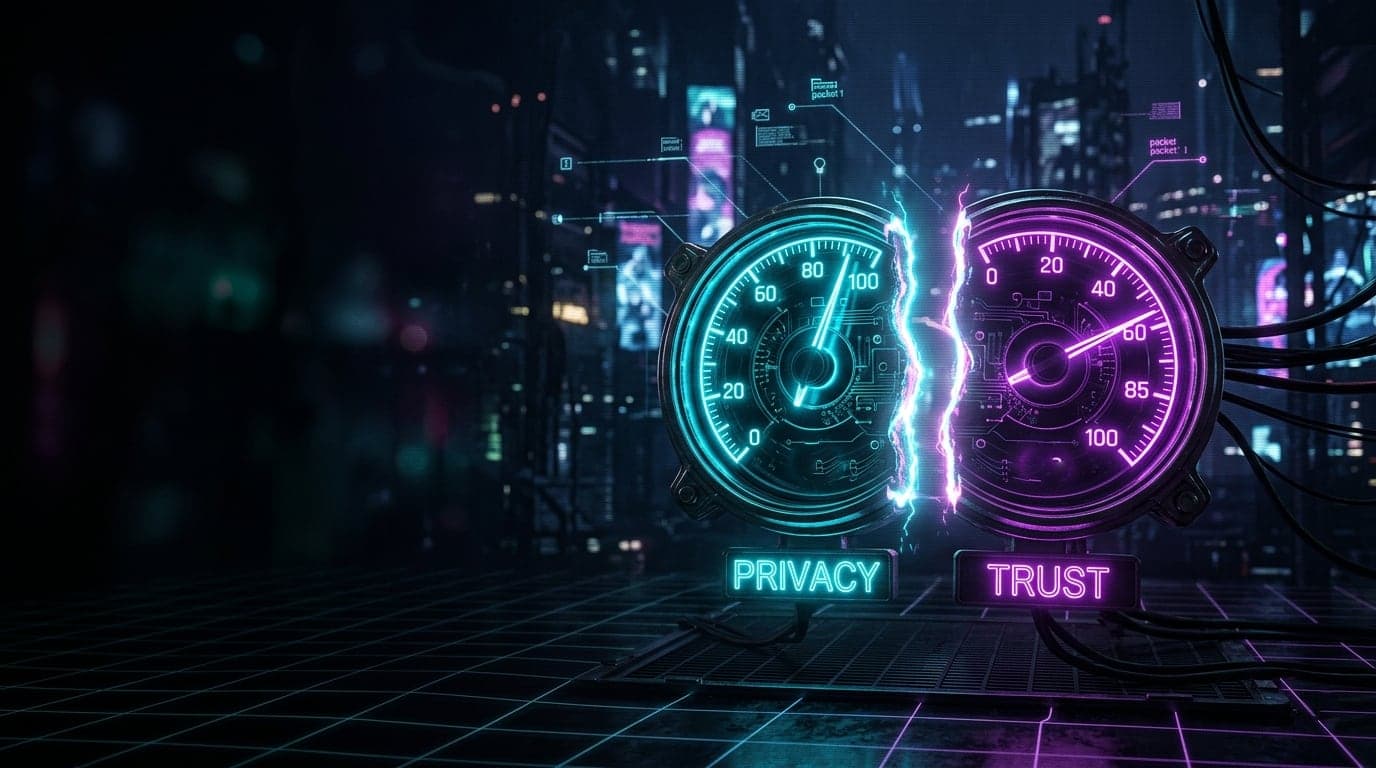
For a long time packet.guru answered one question with one number. You ran the scan, you got a score, and that score tried to tell you everything at once. How hidden you are. How trustworthy you look. Whether a site would wave you through or bury you in CAPTCHAs.
The problem is that those are not the same question. A privacy-obsessed Tor user and a sketchy bot can land on the same low number for completely opposite reasons. One is hiding well. The other is faking badly. Squeezing both into a single gauge was, to be blunt, a small lie. So I tore the whole engine apart and rebuilt it.
This is the big one. One index became two, the check gained a stack of new detection cards, and the cards finally learned to talk to each other instead of grading you in isolation. Here is what changed and why it matters for your next visit to a website that does not trust you yet.
One Score Could Not Tell the Truth
The old Identity Trust Index mixed two ideas that pull in opposite directions.
Privacy is about exposure. How easily can you be tracked and recognized? This drops when something real about you slips out: your true IP, your real operating system, your actual browser engine, a fingerprint that is stable enough to follow you across sites.
Trust is about how genuine you look to a website. This drops when you show signs of faking, masking, or a bad reputation. It is the number that decides whether a bank, a shop, or a ticket site treats you like a person or a threat.
Together these two numbers are your Privacy & Trust Index, and the whole rest of this update exists to make each of them honest.
Here is the catch that broke the old model. Turn on a VPN and your privacy goes up, because your real address is now hidden. But your trust goes slightly down, because plenty of sites quietly distrust masked traffic. One action, two opposite movements. You cannot honestly draw that with a single needle. Now there are two gauges, and a VPN can lift one while nudging the other, exactly as it should.
If you have ever wondered why a clean, careful setup still triggers endless CAPTCHAs, this split is the answer you were missing. Your privacy can be excellent and your trust can still be middling, and now you can see both at the same time.
Masking Is Not a Crime
While I was at it, I fixed something that always bothered me about tools in this space. Most of them treat any VPN or proxy as guilt. Hide your IP and you get branded like a fraudster.
That is wrong, and packet.guru no longer does it. Masking and abuse are two different things now.
Masking does cost you a little trust, and I want to be honest about that because the real world is honest about it. Banks and anti-fraud systems genuinely score masked connections lower. Tor takes the biggest hit, since so much hostile traffic rides through exit nodes. A datacenter address sits in the middle, because people usually browse from home, not from a server rack. A plain VPN barely moves the needle at all.
There is a line worth naming here. Hiding your connection behind a VPN or a proxy is one thing, and it stays cheap. Trying to make your setup look like a completely different device than it really is, the move at the core of antidetect tools, is another thing entirely. That crosses from hiding into pretending, and the tool treats it as far more serious, so it costs much more trust. The penalty grows exactly where privacy ends and impersonation begins.
But none of that touches your privacy score, because masking hides you, it does not expose you. And none of it counts as abuse. Abuse is a separate, heavier matter, reserved for addresses that actually show up on blacklists for spam or attacks. A privacy tool with a VPN and a spam-blasted botnet IP should not land in the same bucket, and here they no longer do. You can read how that reputation layer was rebuilt below, or in the deeper piece on clean versus toxic IPs.
The Cards Learned to Talk
packet.guru always had cards, those little panels that each check one slice of your setup. The update added more of them, but the bigger change is what happens between them.
Every card is now its own small expert. It runs its own checks and reports its own contribution to both scores, privacy and trust, without waiting on a central brain. That makes the system easier to trust and far easier to extend.
The interesting part is coordination. The cards read each other. If two different cards catch the same underlying fact, you are not punished twice for it. The strongest detector owns that finding and the others simply note it. If two cards catch different facts, those add up, and the combined picture raises confidence that something is genuinely off. This is the quiet heart of the rebuild, and it is what lets the tool tell a careful privacy user apart from someone actively pretending to be a machine they are not.
That distinction is worth dwelling on. A privacy browser like Brave or Tor hides your machine. An antidetect browser like the ones used for mass fake accounts tries to wear someone else's machine as a costume. On a single signal they can look identical. Across several layers at once, the costume starts to slip, because faking a whole different computer means slipping up in more than one place. I will not pretend the detection is perfect or that every disguise gets caught. But reading the layers together is a lot harder to fool than reading any one of them alone.
Color now follows meaning, not math. Green means clean. Orange means noticed but not alarming, the typical home of honest masking. Red is reserved for forgery, automation, abuse, or a real leak. A red card is a real flag, not just a big number.
Your Operating System Speaks Before Your Browser Does
One of the headline new cards is passive OS fingerprinting.
The moment your device opens a connection, before a single line of JavaScript runs, the very first network packet already carries a faint accent of the operating system that sent it. The server can read that accent and guess the real OS family. Then it checks that against what your browser claims to be.
Say your browser swears it is Chrome on Windows, but the connection itself speaks fluent Linux. That is the sound of a mask slipping, and it is a classic giveaway of a proxy sitting in front of a faked profile, since most proxy servers run Linux.
Now, full honesty, because this matters. This is not unbeatable. Advanced setups can rewrite those network-level details to match the claimed OS, and the better antidetect operators in 2026 do exactly that. The point is that it is much harder to fake than a User-Agent string. Your browser cannot patch this by itself. It takes real work at the network layer, which is precisely why the casual user with a borrowed User-Agent gets caught while the truth keeps speaking through the wire.
The Handshake Has an Accent Too
A second new layer reads your network handshake. The way your client negotiates a secure TLS connection, and the shape of its HTTP/2 conversation, form a fingerprint that the server sees before any script loads. It quietly reveals the real browser engine underneath, no matter what label the browser is wearing. Like the OS accent, it is read from the connection itself, which makes it a stubborn source of truth.
Is the Name of the Site Even Hidden?
There is also a fresh card for Encrypted Client Hello, the piece of modern TLS that finally hides which website you are connecting to. Without it, even on an encrypted connection, your provider can still see the name of every site you open. The card tells you whether that last gap is actually closed for you, and you can dig into a specific host with the ECH checker tool.
The DNS Check Got a Lot Smarter
DNS is where a surprising amount of privacy quietly leaks, so this card got serious attention.
It used to lean on a single resolver and could cry wolf, painting a normal VPN setup bright red. Now it watches a whole pool of resolvers and compares network against network, which means it stops raising false alarms when your VPN simply uses its own DNS. It also covers IPv6, a path a lot of tools forget. If you want the classic primer, the DNS leak explainer and the guide to encrypted DNS still hold up, and you can run a manual DNS lookup any time.
The part I am most pleased with is a leak almost nobody surfaces to regular users: EDNS Client Subnet, or ECS.
Picture mailing a letter through a forwarding service so the recipient never sees your home address. Helpful, until you learn the service has been writing your street name on every envelope anyway, just to speed up delivery. That is ECS. Even behind a respectable public resolver, the resolver can attach a chunk of your IP address to each lookup so that content networks can guess your region. The authoritative servers for every site you visit get a piece of your real network, even though you thought the public DNS was covering you.
Standalone testers for this exist, mostly aimed at DNS administrators who paste in a resolver by hand. What is rare is seeing it folded straight into an everyday privacy check, flagged automatically for your own connection, sitting right next to your fingerprint and your scores. That is what the DNS card does now.
Three Fingerprints From Your Browser, Not One
The canvas fingerprint, where a site draws a hidden image and reads how your specific hardware renders it, has been here for a while. The update gives it two new neighbors.
One listens to audio, the faint numerical signature your sound stack produces. The other reads the list of speech synthesis voices installed on your system, which quietly betrays your operating system and your installed languages. These are three separate fingerprints because they reveal three different things about you, unpacked in Audio and Voice Fingerprinting. A site that wants to follow you without cookies would love all three, so each one now reports its own slice of exposure rather than hiding inside a single blended number.
Faking a Machine Versus Hiding One
Two cards guard this frontier. Device Integrity has been here, checking whether your claimed browser, OS, and engine actually agree with reality, but its logic was reworked for the new two-score world. Beside it sits a new tamper card, watching for the telltale signs of a browser whose built-in functions have been quietly swapped out, the signature move of an antidetect tool.
The guiding rule, again, is the one from earlier. Hiding your machine is a legitimate choice and barely moves your trust. Trying to pass your machine off as a different one is the suspicious part. The same care runs through the regional integrity card, which knows that an expat with a clock from another country is a normal human story, not automatically a red flag. One mismatch is life. Several at once is a pattern.
Your IP Carries a History
Finally, the IP reputation card was rebuilt on that same masking-is-not-abuse foundation. It still cross-references your address against the things that genuinely matter, the blacklists that mark real spam and attacks, the datacenter ranges, the small hosting providers that quieter tools miss entirely. A possibly leaked real IP, say through a WebRTC leak, is checked too. But a clean VPN is treated like a clean VPN, and only actual abuse gets the heavy red treatment.
For the Curious: The Raw Readout
Not everyone wants a tidy gauge. Some of you want the actual numbers, and the lower half of the page was rebuilt for exactly that crowd, the admins, the developers, and anyone who likes to see the machinery.
The technical section now lays out your digital footprint grouped by layer, so you can follow the trail the way a server does. What the network and your IP reveal. What the TLS, TCP, and HTTP handshakes give away before any script runs. What the browser openly declares about itself. What rendering quietly exposes. At the very bottom sits a full, copy-pasteable raw report of the whole footprint in one block, handy for a bug report, a comparison between two setups, or just satisfying your own curiosity.
I also went through every card and rewrote its wording to fit the exact situation it found. Instead of a vague label, each card now tells you in plain language what it actually saw, walks through its checks one by one, and gives you a recommendation when something is worth acting on. No jargon dump, no scary red for the sake of drama.
A Score Is Not a Promise
One thing I want to say plainly, because it would be dishonest not to.
These two numbers are my read on a genuinely hard problem, not some absolute verdict handed down from on high. Some signals are easy to catch. Some are subtle and slippery. And a few cannot really be seen from where the tool stands at all, so in those corners it is making an educated guess rather than stating a fact. It can be wrong. It can flag something that is fine, or stay quiet about something that is not.
So please do not read a Privacy score of 100 as a force field. It does not mean you are invisible. It means nothing obvious leaked in the things this tool can check. Someone with enough motivation, budget, and patience can still find you, and no single page on the internet can promise otherwise. Treat these scores as a mirror and a checklist, a way to spot the holes you can actually fix, not a guarantee of safety.
See It For Yourself
This was the largest single change packet.guru has had since it launched. Two honest scores instead of one strained guess. A row of new cards reading your connection from angles most checks ignore. And underneath it all, a quieter shift, cards that compare notes instead of grading you blind.
I will keep improving these tools and fixing the rough edges as I find them. If a number looks wrong to you, or you catch something that does not add up, that feedback is how the next version gets sharper.
Run the new scan and watch your Privacy and Trust scores split apart in real time.
Open your report on packet.guru